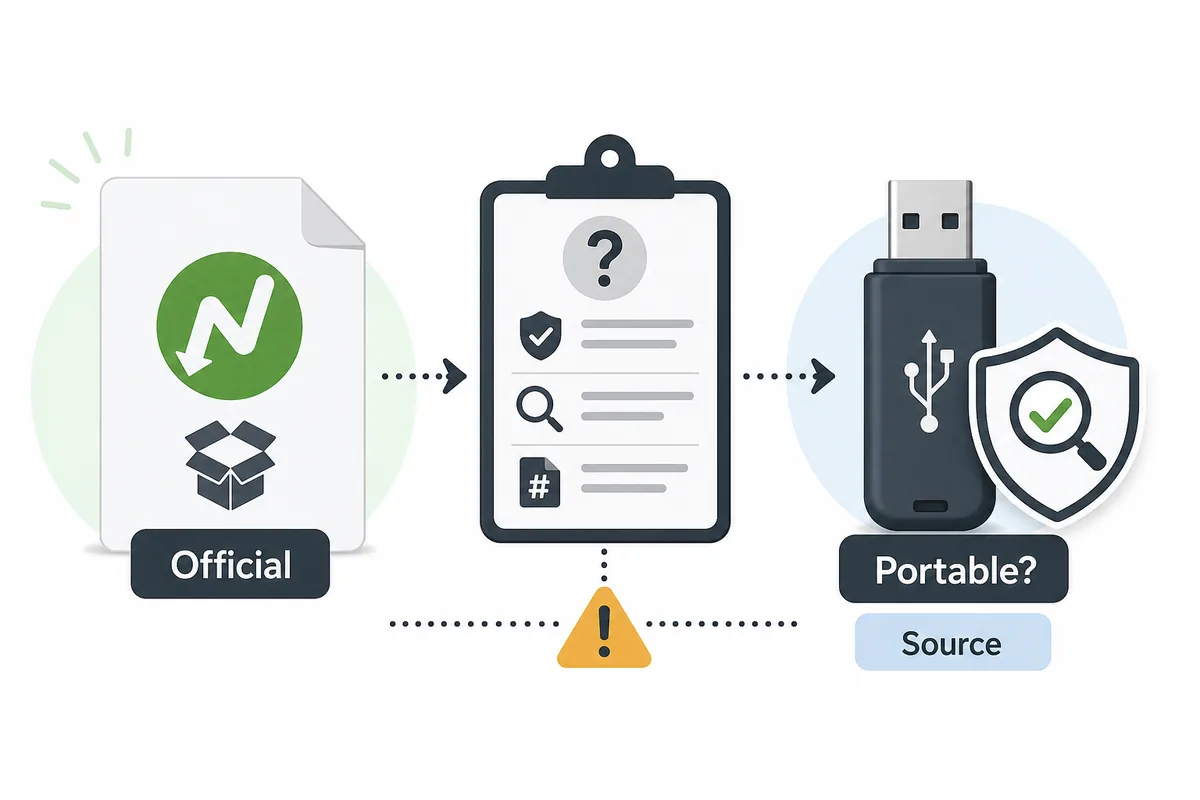
Quick Answer: Is There an Official NeatDownloadManager Portable Version?
The practical answer is no verified official portable build was found during this check. The official Neat Download Manager website lists Windows and macOS desktop installers, but it does not present a separate portable package, USB build, ZIP release, or PortableApps-style edition as an official download path.
That distinction matters because the keyword neatdownloadmanager portable usually carries download intent. A user is often not asking for a definition; they want to know whether a portable file can be trusted. The safest conclusion is to use the official Windows or Mac installer when possible and treat any portable result as third-party until its source, file name, version, and behavior are independently verified.
This page is an independent guide. It does not host NDM files, does not claim that a third-party portable package is official, and does not promise that a mirror is safe. It gives a repeatable source-check workflow before you run a portable download manager from a USB drive or temporary folder.
Official Version Freshness Check
Because this is a download-intent site, version freshness was checked before creating the page. On August 1, 2026, the official homepage still displayed the Windows setup file as ver 1.4 and the Mac DMG as ver 1.3. The direct Windows installer responded as NeatDM_setup.exe with 917,340 bytes, and the Mac installer responded as NeatDMInstaller.dmg with 1,468,544 bytes.
No newer official desktop version and no official portable package were found in the first-party source checked. Existing site-wide version fields did not need to change. The new page therefore avoids phrases such as latest portable version, official portable download, or safe portable build unless the sentence clearly explains that those claims were not verified.
| Item |
Verified fact |
Portable meaning |
| Windows installer |
NeatDM_setup.exe, ver 1.4, 917,340 bytes |
Official installer, not a portable package |
| Mac installer |
NeatDMInstaller.dmg, ver 1.3, 1,468,544 bytes |
Official DMG, not a portable package |
| Official homepage |
Lists Windows and Mac downloads |
No separate portable entry found |
| Third-party portable pages |
May appear in search results |
Must be treated as unofficial until verified |
Why Portable Download Claims Need Extra Caution
A portable app sounds convenient because it can run without a normal installation routine, or at least claims to keep most files inside one folder. For a download manager, that convenience also changes the risk profile. The app may need browser integration, network permissions, file-system access, and persistent settings. If a third party repackages it, users need to know what was added, removed, or modified.
A portable label by itself does not prove safety. It can describe a legitimate community package, a wrapper, a repacked installer, a renamed archive, or a misleading download button. The only defensible path is to verify the publisher, compare the version with the official installer, read the package notes, and avoid any page that pushes cracks, license bypasses, unrelated download managers, or forced installers.
- Do not assume a USB icon or portable label means the developer made the package.
- Do not run a portable EXE from a mirror when the page cannot explain the source version.
- Do not accept a bundled downloader, browser offer, or password-protected archive as normal behavior.
- Do keep the official installer available as the baseline for names, versions, and platform support.
Portable vs Official Installer: Decision Table
The safest choice depends on why you want a portable edition. If you simply want NDM on your own PC, the official installer is clearer. If you need a USB workflow on a locked-down or shared machine, a portable claim still has to satisfy source and policy checks before it is useful.
Use the table as a practical comparison, not as a guarantee. A third-party portable package can change over time, and a search snippet may not reflect the file that actually downloads after you click.
| Question |
Official installer |
Portable claim |
| Source clarity |
First-party NDM domain and known file names |
Often third-party, directory, forum, or mirror |
| Version boundary |
Windows 1.4 and macOS 1.3 were checked |
Must be compared against the official version |
| Browser integration |
Normal extension handoff can be tested |
May fail if paths or permissions are changed |
| Update path |
Return to the official source |
Depends on package maintainer notes |
| Best fit |
Personal Windows or Mac setup |
Only after source, policy, and file checks pass |
| Main risk |
Wrong mirror instead of official site |
Repackaged, stale, bundled, or renamed files |
5 Checks Before Using a NeatDownloadManager Portable File
If you still plan to evaluate a portable file, make the test narrow and reversible. Use a non-critical machine or sandboxed environment, keep a copy of the official installer facts nearby, and do not connect the portable build to sensitive browser profiles before you understand its behavior.
The first test should be a normal direct file, not a protected video stream or a login-only download. If a simple file fails, the portable package is not ready for more complicated browser handoff testing.
- Confirm the page clearly says who packaged the portable file and whether it is official or community-made.
- Compare the package version, release note, file name, and platform claim with the official NDM version facts.
- Reject wrappers, cracked builds, password-protected archives, forced download assistants, and pages that hide the final file URL.
- Run the first test with one harmless direct file and observe where settings, logs, and downloaded files are stored.
- Only then test browser integration, and remove the extension or portable folder if the handoff behaves unexpectedly.
Common Mistakes Around NDM Portable Searches
The first mistake is confusing PortableApps-style wording with developer ownership. A third-party directory may be useful for discovery, but discovery is not the same as an official release. The second mistake is searching for neat download manager portable download and clicking the largest button on a mirror page instead of reading the package notes.
The third mistake is using a portable file to solve a browser capture issue. If the normal installed app cannot receive links because the extension is disabled, the browser blocks external app handoff, or the site hides the direct file, a portable build may repeat the same failure. Fix the workflow first, then decide whether portability is still needed.
The fourth mistake is treating a low file size as proof of safety. The official Windows installer is already small, and the Mac DMG is also modest. Size alone cannot tell you whether a portable file was modified, whether it bundles extras, or whether it matches the official app behavior.
Search Intent Notes and Keyword Boundaries
GSC showed small but relevant portable interest, with the query neat download manager portable incorrectly mapping to a localized homepage instead of a dedicated source-check page. Similarweb provided directional validation for the exact phrase neatdownloadmanager portable with window volume 90 and difficulty 22. The topic is therefore narrow, low-volume, and useful as a trust-focused support page rather than a top-navigation product page.
This page does not compete with the PC download page because it does not try to rank for the official Windows installer. It does not compete with the safety page because it focuses on portable claims, USB workflow, and source verification. It also does not duplicate the alternatives page, which compares tools rather than judging whether a specific NDM portable package is official.