A Neat Download Manager HTML 400 error usually means the server could not understand the request it received. The download manager may be showing an HTML error page instead of a file, so start with the URL and source before reinstalling NDM.
This guide separates a malformed or expired link from a server rule, browser handoff issue, proxy, and local application problem. It also explains why HTTP 400 is different from 403, content-encoding, and socket errors.
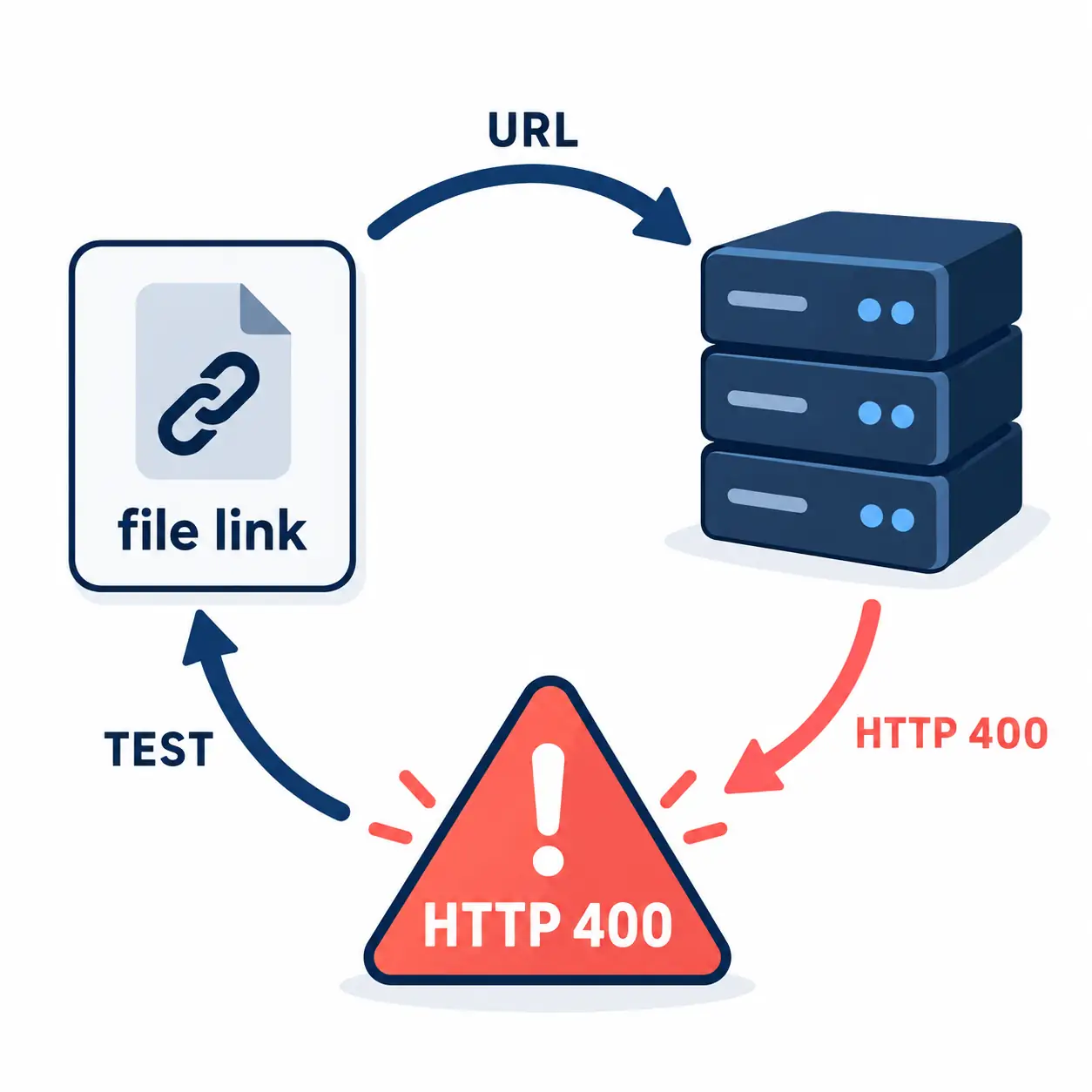
Editorial concept diagram, not a real NDM screen. An HTTP 400 response tells you to inspect the request and source before changing the app.
Official product and installer responses checked on October 24, 2026. This is an independent troubleshooting guide.
Short Answer: What a Neat Download Manager HTML 400 Error Means
HTTP 400 means Bad Request. In practical terms, the server received a request that it could not parse or accept in its current form. When Neat Download Manager shows an HTML 400 response, it may have received a web page containing the server error rather than the archive, installer, or media file you expected. That points first to the request and source, not automatically to a damaged NDM installation.
The most useful first move is to copy the exact URL, open that same URL in a normal browser, and record what happens. Does the browser download a file, show an HTML error page, redirect to a login screen, or ask you to create a fresh link? The answer separates a source problem from an NDM-specific problem. A page that works only after a login or a button click is not the same as a stable direct file URL.
Do not respond to one 400 by increasing connection counts, deleting task data, or downloading a replacement installer from a mirror. Those actions change several variables while hiding the evidence. Test one small, permitted direct file with default NDM settings, then return to the original source. This gives you a clean baseline for the rest of the checks.
HTTP 400 vs 403, Encoding, and Socket Errors
Several NDM messages look similar because they all stop a transfer, but they describe different layers. A 400 is about the request being malformed or unacceptable to the server. A 403 means the server understood the request and refused it. An unsupported content-encoding message points to a response decoding mismatch. A socket error means the connection or stream was interrupted while data was moving.
Use the table as a routing aid, not as a promise that one status always has one cause. A proxy, short-lived URL, account session, or website implementation can influence the final message. The goal is to change one relevant variable at a time and keep the source policy intact.
Message
What it usually says
First action
HTTP 400 Bad Request
The server cannot parse or accept this request.
Refresh the source and test a clean direct URL.
HTTP 403 Forbidden
The server understood the request but refuses access.
Check login, permission, expiry, and the source rules.
unsupported content-encoding
The response encoding cannot be decoded as received.
Compare the same URL in a browser and request a fresh file.
socket error
The connection or stream stopped during transfer.
Test another permitted source or network.
merge or write failure
Segments or the destination cannot be assembled.
Check free space, folder permissions, and task state.
Check the URL Before You Check NDM
A malformed URL is the most direct explanation for a Bad Request. Look for a copied space, a truncated query string, unmatched punctuation, or a link that was copied from a page before a redirect finished. Signed download URLs can also expire. When the token is no longer valid, the server may return an HTML error page even though the file itself is still available through the publisher's current download button.
Start from the source page and create a new link instead of editing the old URL by hand. If the source uses an account, sign in through its normal page and use its documented download control. If it gives you a file URL, copy it once and test it promptly. Keep the original page, time, and exact response so you can tell an expired link from a repeatable application failure.
A page URL, a preview URL, and a direct file URL can look similar while behaving differently. NDM can manage a compatible file request, but it cannot turn a login page, consent page, JavaScript redirect, or protected stream into a normal archive. If the browser ends at HTML, treat that result as source evidence rather than forcing the page address into NDM.
Copy a fresh link from the publisher instead of repairing a stale query string.
Remove accidental spaces or line breaks introduced by chat, email, or a PDF.
Check whether the URL redirects to a login, consent, or error page.
Do not expose or modify signed tokens to bypass a source rule.
Seven-Step Neat Download Manager HTML 400 Troubleshooting Workflow
The order below is deliberately small. It keeps the test reversible and makes the result useful when you need to contact the publisher or compare another download tool. Use a file you are allowed to download, and write down the exact error instead of relying on a shortened notification.
Copy the complete NDM message, including HTTP 400, the URL type, and the time of the failure.
Open the same URL in a browser. Note whether it downloads a file, displays HTML, redirects, or asks for a session.
Return to the source page, sign in if required, and create a fresh permitted direct link.
Test one small public file in NDM with default connection and bandwidth settings.
If the small file works, retry the fresh source link once and compare its final URL and response type.
If several unrelated sources return 400, check the network, proxy, VPN, system clock, and security software without disabling protection blindly.
Only after a known direct-file test fails consistently should you repair or reinstall NDM from its official Windows or macOS source.
Use the Browser-versus-NDM Test
The browser comparison is the fastest way to decide whether the request is source-specific. If both the browser and NDM receive the same HTML 400 page, the server, URL, session, proxy, or source policy is the likely boundary. If the browser downloads the file but NDM receives 400, compare the final URL rather than the visible page address. A redirect, cookie, referer requirement, or client-specific rule may be changing the request.
If the browser downloads a file successfully, save it only through the source's permitted flow and keep the response details. Then add the final file URL to NDM as a new task. Do not copy a browser's private cookie or alter headers to imitate a session. That can violate the source's policy and makes the test impossible to reproduce safely.
The desktop app should be open for a manual test, but the browser extension is not required to diagnose a direct URL. If the manual task works and only browser capture fails, move to the extension troubleshooting guide. If the manual task also returns 400, keep the issue in the request or transfer layer.
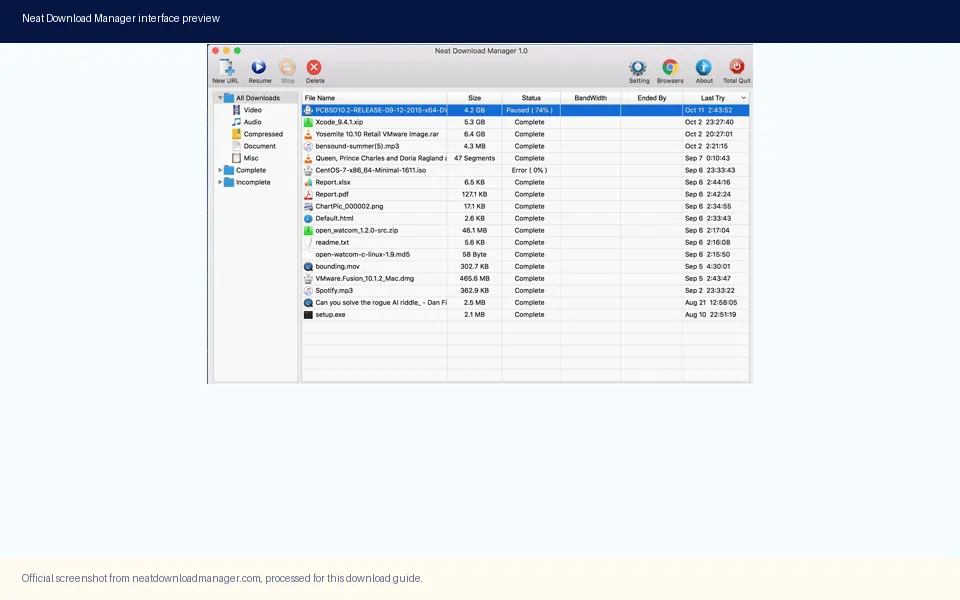
Official NDM interface reference. A manual direct-file task gives you a cleaner comparison than a browser page or an expiring media link.
Proxy, Cookies, and Security Boundaries
A proxy or VPN can change the route, region, headers, or address that the source sees. A system clock that is far out of date can also make signed URLs appear expired. Check whether the same clean URL works on the ordinary network, but change one variable at a time and respect the source's terms. If a managed network requires a proxy, use the administrator's documented settings instead of guessing credentials or disabling certificate checks.
Cookies and login sessions need the same caution. A browser may have a valid session while a standalone download manager does not. That difference can explain why a page opens in the browser but the direct task receives HTML 400 or 403. The safe solution is an official download control or a public direct file, not copying private session data into another program.
Security software can block an executable, but it is not a good first explanation for a server-generated 400 page. Check the local log only after the same direct file fails in a controlled test. A source response and a local process alert are separate facts; keeping them separate prevents an unnecessary reinstall or an unsafe mirror download.
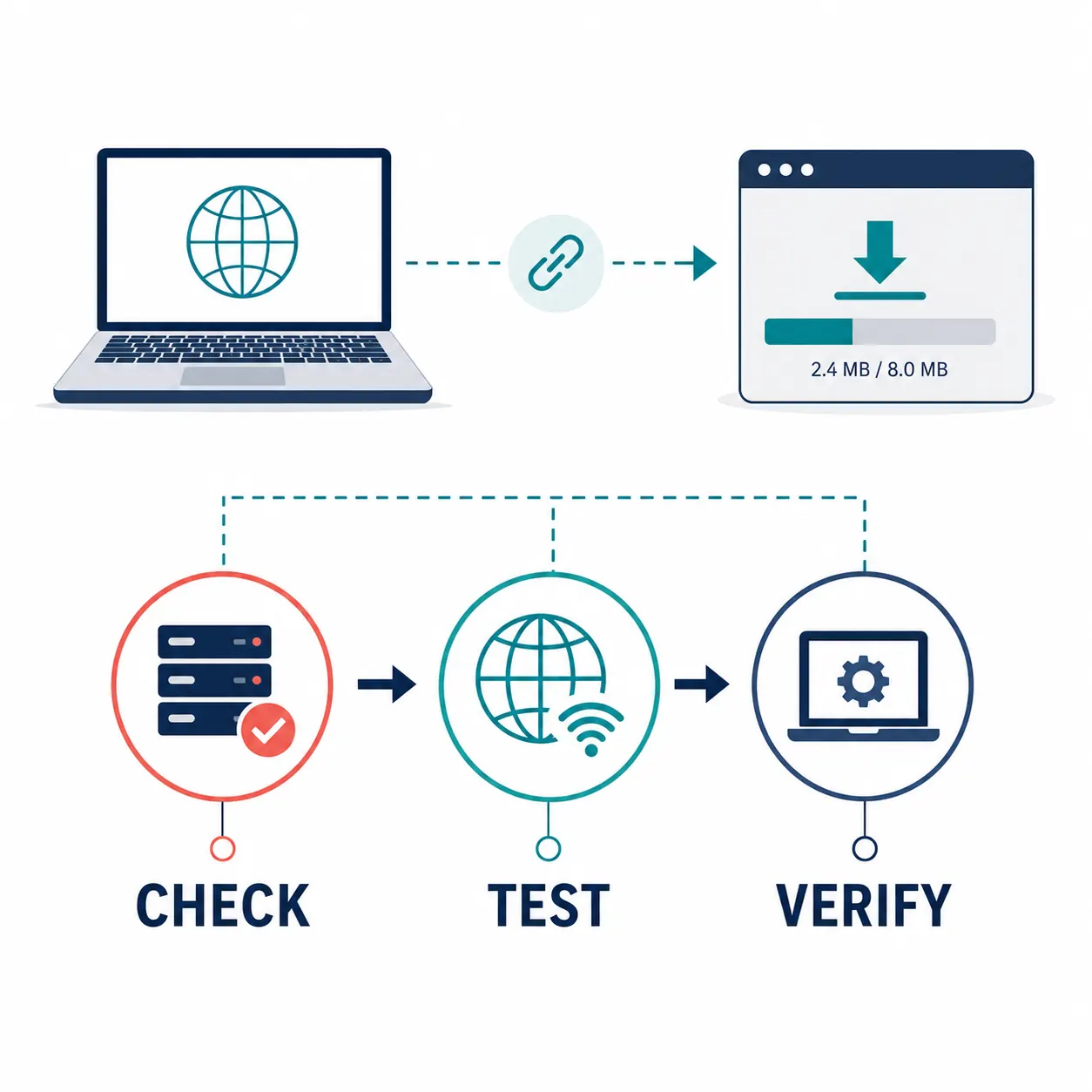
Editorial explanatory diagram, not a real NDM screen. Check the source, test the connection, and verify the local app in that order.
When to Inspect the Local Installation
Move to local-app checks when NDM cannot open, closes immediately, or returns the same failure for several unrelated public direct files. Start the application from its installed shortcut, confirm that an old process is not stuck, check the destination drive, and review the operating system's security message. Record the source and installed version before changing the installer so the next test remains traceable.
On October 24, 2026, the official product page and installer endpoints were reachable. The Windows installer NeatDM_setup.exe returned HTTP 200 with a 917,340-byte response and the page context identified version 1.4. The macOS installer NeatDMInstaller.dmg returned HTTP 200; the repository's verified GET record is 1,468,544 bytes and the page context identified version 1.3. No newer verified package or public release date was found during this check.
These are dated source facts, not a permanent latest claim or a malware scan. Recheck the official page before reinstalling. A clean install can repair a damaged local application, but it cannot make a server accept an invalid request, grant access to a protected file, or fix an expired signed URL.
Platform
Verified source fact
What it supports
Windows
ver 1.4; NeatDM_setup.exe; 917,340 bytes; HTTP 200
A dated first-party reinstall path.
macOS
ver 1.3; NeatDMInstaller.dmg; 1,468,544 bytes in verified GET record; HTTP 200
A dated first-party reinstall path.
Browser extension
Separate browser-store handoff
Use only after the desktop app passes a manual file test.
Third-party mirror
Not part of the verified source path
No proof of ownership, freshness, or package safety.
What Not to Do When NDM Shows HTML 400
Do not treat the HTML page as the file you meant to download. Do not keep retrying a signed URL that the source has already rejected, and do not change ten NDM settings at once. A larger connection count cannot repair a malformed request. A browser extension reinstall cannot repair a server response. A higher-numbered mirror cannot prove that it is an official build.
If the source is restricted, login-only, encrypted, or governed by a download policy, use its official save or export path. The purpose of this page is to make a permitted file transfer easier to diagnose, not to bypass access controls. If the error is actually 403, encoding, socket, merge, or extension capture, use the matching guide so the next step fits the layer that failed.
Do not bypass a server rule by editing tokens, referrers, or private cookies.
Do not label an installer safe or latest only because a mirror returns HTTP 200.
Do not delete active task data before recording the URL and exact error.
Do not confuse a browser preview with a stable direct download file.
Bottom Line for a Neat Download Manager HTML 400 Error
A Neat Download Manager HTML 400 error is a request-quality clue. Refresh the source, compare the same URL in a browser, test a known direct file, and then separate URL, session, proxy, network, and local-app evidence. Most single-link failures are more efficiently solved by obtaining a fresh permitted file URL than by reinstalling the download manager.
Use the official product page for a dated reinstall check, and keep the 400 workflow separate from browser extension capture or 403 permission problems. Once a small direct file succeeds, return to the original source with one change at a time. That gives you a repeatable answer without claiming that NDM or the source can support every web page or stream.
HTML 400 FAQ
Neat Download Manager HTML 400 Error FAQ
What does a Neat Download Manager HTML 400 error mean?
It usually means the server could not parse or accept the request. NDM may have received an HTML Bad Request page instead of the file, so check the URL and source first.
Is HTTP 400 caused by NDM or the website?
Either is possible, but a single failing URL points first to the URL, session, proxy, or server. Compare the same URL in a browser and test a known public direct file in NDM before reinstalling.
How do I fix a Neat Download Manager HTTP 400 error?
Return to the source, create a fresh permitted direct link, remove accidental spaces or truncation, test it in a browser, then add the final file URL as a new NDM task.
What is the difference between HTTP 400 and 403 in NDM?
HTTP 400 means the server cannot parse or accept the request as sent. HTTP 403 means the server understood it but refused access. Use a source or permission check for 403 rather than treating it as the same issue.
Why does the browser work while NDM returns HTML 400?
The browser may follow a redirect, hold a login session, or send context that the standalone app does not have. Use an official direct-download control or public file instead of copying private cookies.
Should I reinstall NDM after one HTML 400 error?
Usually no. Reinstall only after NDM also fails on a known public direct file and local checks show an application problem. A stale link or server response needs a source-specific test.
Which NDM versions were checked for this guide?
On October 24, 2026, the official context showed Windows ver 1.4 and macOS ver 1.3. The official Windows and macOS endpoints returned HTTP 200; recheck the source before a future reinstall.